
Built for iPhone Duo
Use the big inner screen or the outer one; the Mac display follows and resizes when you fold or turn the phone. Each screen remembers its own text size, and the picture keeps clear of the rounded corners.
SidePane gives your Mac an extended display on your iPhone, over the USB cable or Wi-Fi. Drag windows onto it, then tap, scroll and draw with Apple Pencil. Built for iPhone Duo, great on every iPhone.
Free Mac app for macOS 15 or later. iPhone app for iOS 18 or later.
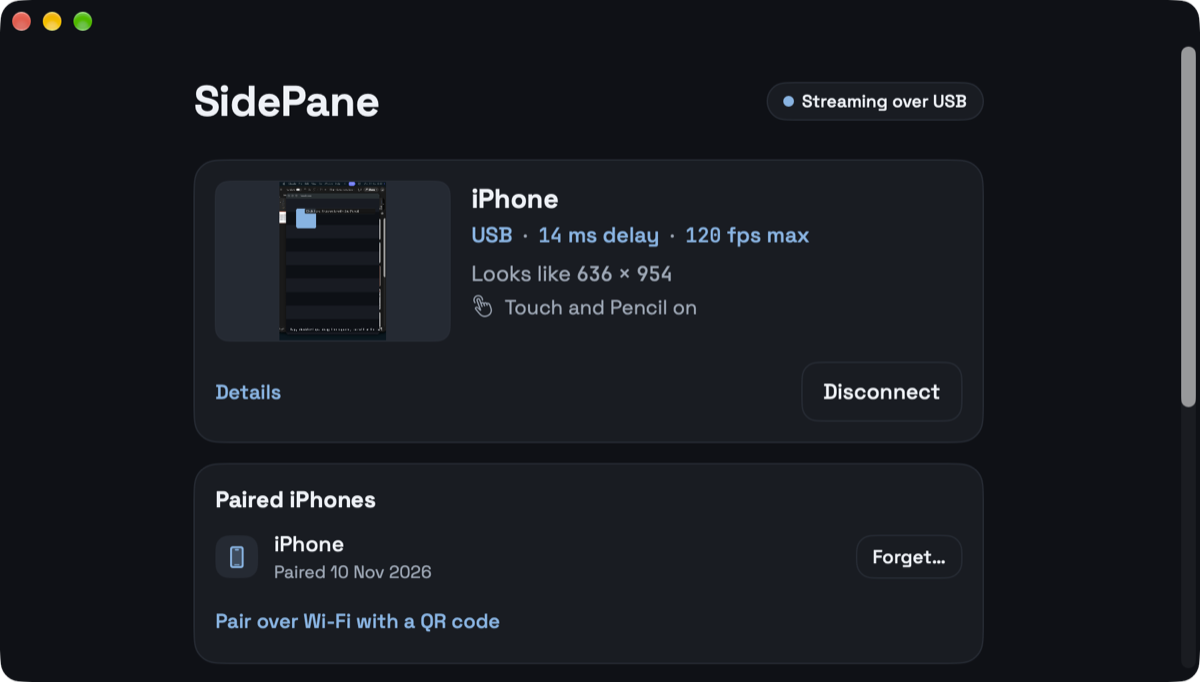
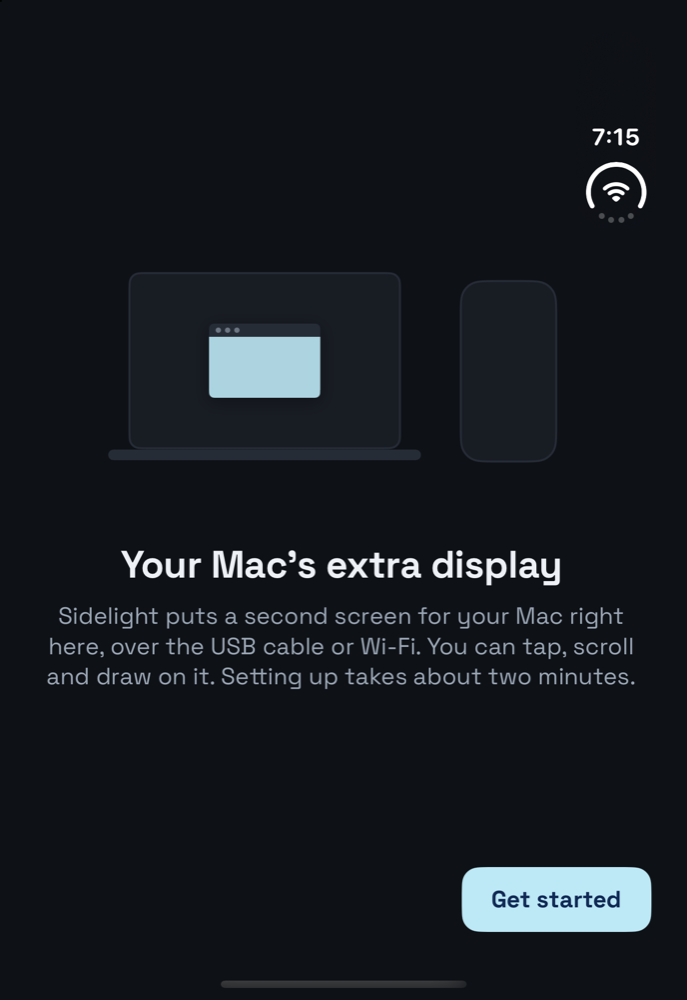
macOS sees a new display named after your iPhone. Arrange it in System Settings like any monitor, and move windows on and off it.
Use the big inner screen or the outer one; the Mac display follows and resizes when you fold or turn the phone. Each screen remembers its own text size, and the picture keeps clear of the rounded corners.
Up to 120 fps over the cable, 60 over Wi-Fi. Unplug and it carries on over Wi-Fi.
Tap to click, drag with two fingers to scroll, hold to right-click.
Hover to point, draw in Ink, or write by hand and have it typed on the Mac.
Pair once by plugging in, or with a QR code. Nobody else on the Wi-Fi can connect.
Download SidePane, open it, and allow Screen Recording. Allow Accessibility too if you want touch and Pencil.
Get SidePane from the App Store and open it. It finds your Mac on the cable or the same Wi-Fi.
Click Allow on the Mac to pair. From then on your iPhone connects by itself, cable or Wi-Fi.
$0
The Mac app, and the iPhone app with 15-minute sessions, as many as you like.
$9.99 once
No time limit, on every iPhone with your Apple Account, and with Family Sharing. No subscription, no account to make.
Yes. Install the free SidePane app on your Mac and SidePane on your iPhone. Your Mac gets a real extended display: drag any window onto the iPhone, and tap, scroll or draw on it.
Yes. The Mac display follows whichever screen you use, inner or outer, and resizes when you fold or rotate. Each screen remembers its own text size.
Both. Over the USB cable you get the lowest delay and up to 120 frames a second; on the same Wi-Fi up to 60. If you unplug, SidePane carries on over Wi-Fi. USB keeps working with Chrome or Brave open.
No. The Mac app is free. The iPhone app is free with 15-minute sessions, as many as you like. A one-time US$9.99 unlock removes the time limit, and Family Sharing is included.
No. Only paired iPhones can connect, but the picture isn't encrypted. On public Wi-Fi, turn off Use Wi-Fi and connect with the USB cable.
Making a new display needs a macOS feature the Mac App Store doesn't allow, so SidePane for Mac is a direct download, signed and notarized by Apple, and it updates itself.